Using your own domain for email brings a collection of technical details into a very familiar task: reading and writing a message. Freemail is a product-development project that connects those two experiences.
The challenge.
Domain setup, DNS verification, and email-provider configuration can make custom-domain mail difficult to approach. The interface needs to make the setup understandable and the everyday inbox familiar.
The contribution.
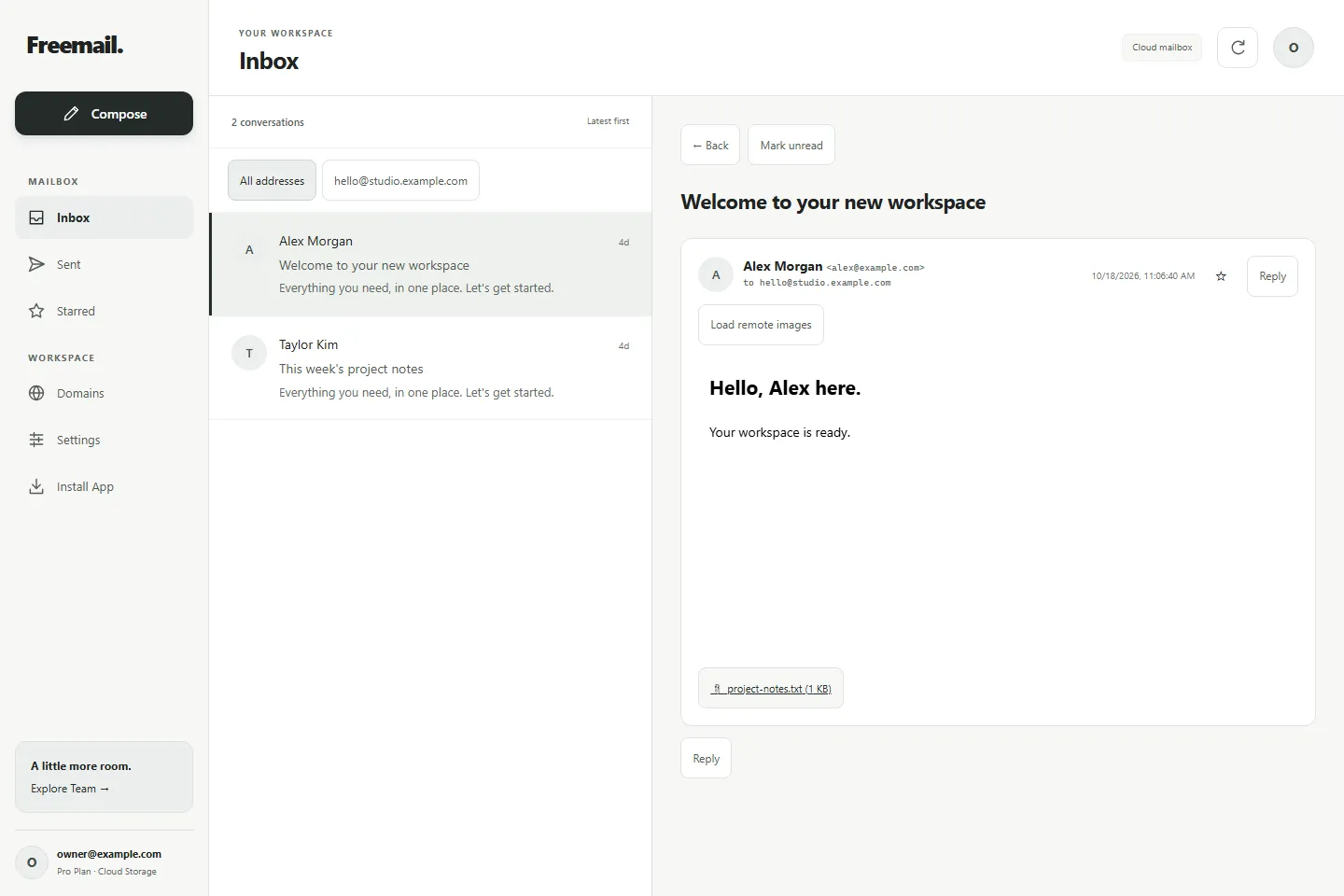
The project combines a domain-setup experience with a mail interface for composing, reading, and organizing messages, supported by email-provider integrations. The design considers both phone and desktop use.
A closer look
How the work connects.
01
Connect the domain.
Bring the domain, addresses, DNS checks, and provider setup into one guided experience.
02
Find the conversation.
Move through folders and address filters, then open a thread alongside the message list.
03
Write the next message.
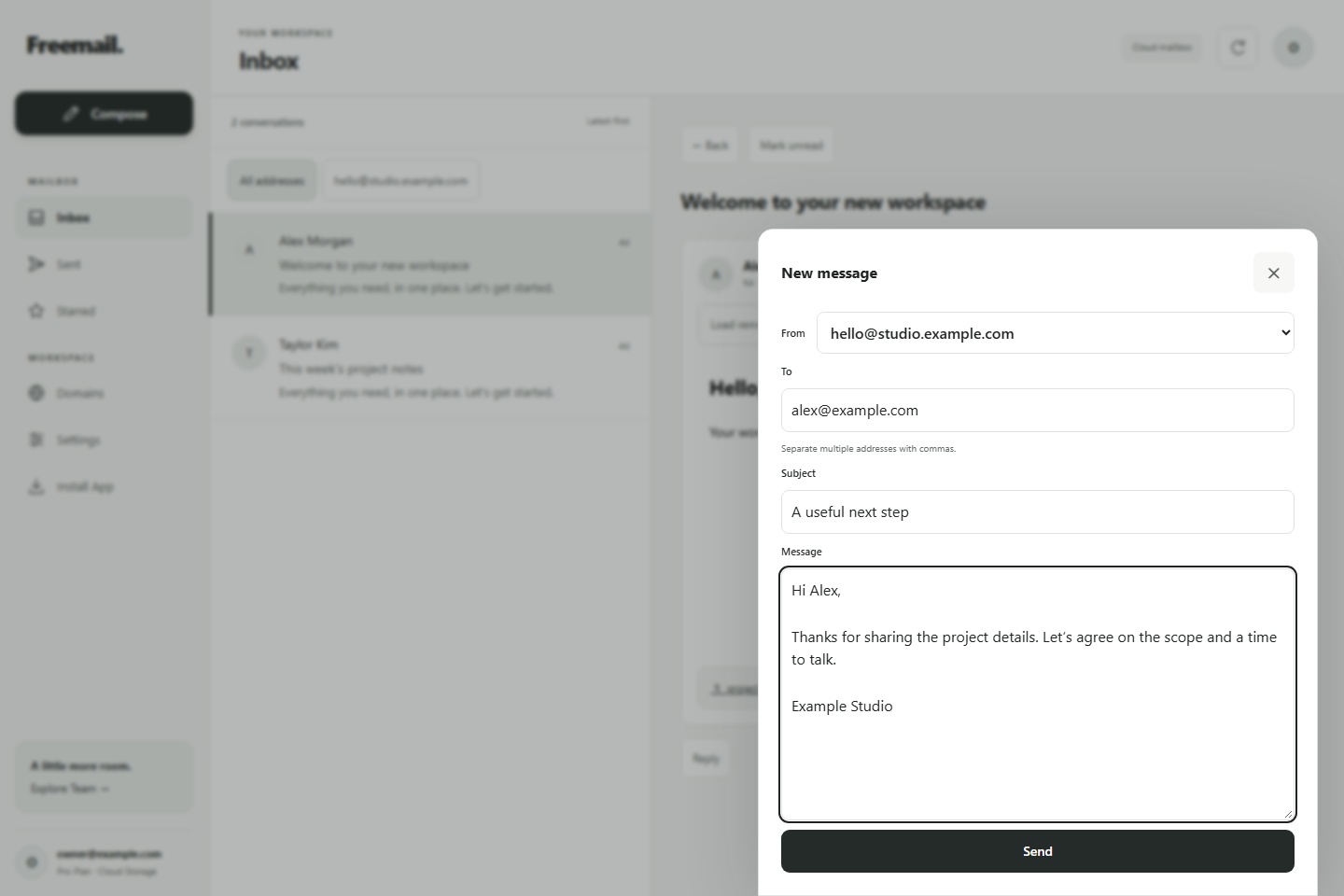
Choose the sending address, add recipients, and compose a message in a focused editor.
A focused composer keeps the sender, recipients, subject, and message together. This example is an unsent draft in the local preview.
Decisions that shape the experience.
Make setup part of the product.
Custom-domain email starts before the inbox. Domain verification and provider configuration need to be understandable alongside everyday mail tasks.
Be clear about storage.
Free-plan mail history is stored in the browser. Server storage and access across devices depend on the configured plan; the interface needs to make that distinction clear.
What it brings together.
↗Custom-domain setup
↗DNS verification interface
↗Message composition and reading
↗Threads and attachments
↗Responsive mailbox interface
↗Email-provider integrations
Project context
A product-development project covering the mail interface and provider integrations. Screens show the real application in a local preview with fictional messages. Free-plan history stays in its browser; storage across devices depends on the plan.