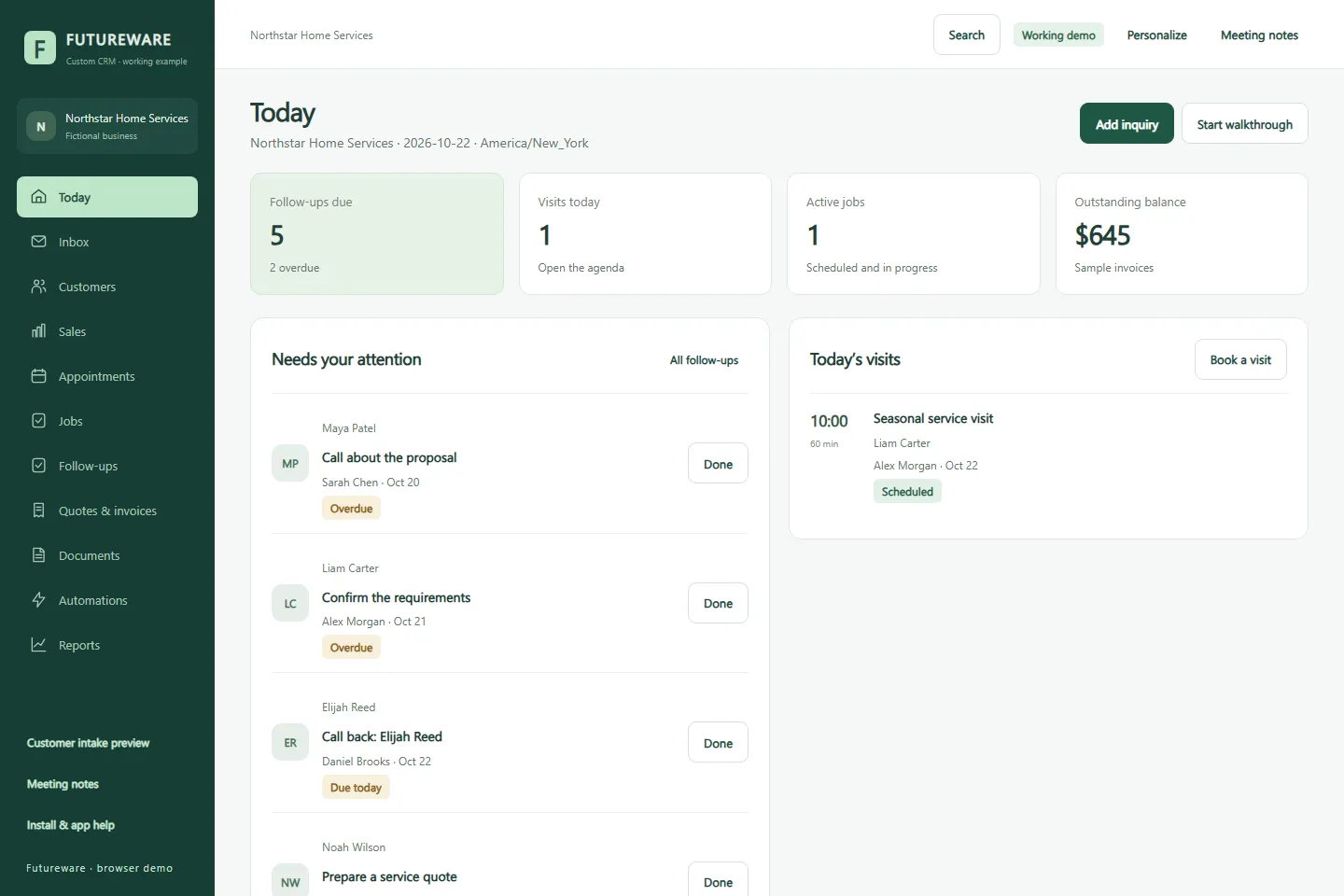
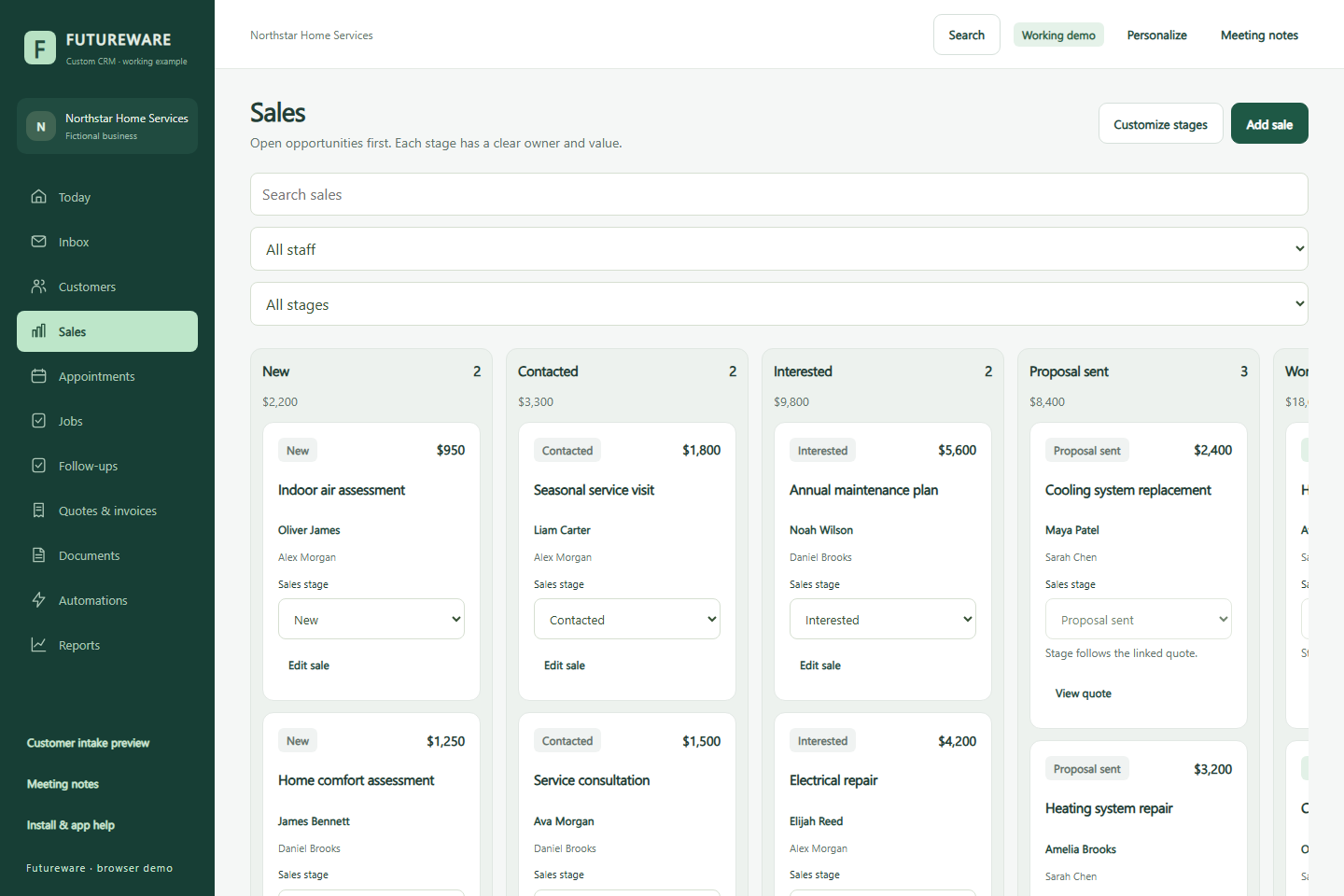
An inquiry is only the beginning. Someone needs to own the next action, arrange a visit, prepare a quote, and keep the work moving. This demo makes those connections visible through a service business you can explore yourself.
The challenge.
A list of customers alone does not explain what happens next. The demonstration needed to show how a team moves from an inquiry to scheduled work, while giving an owner a clear view of outstanding actions.
The contribution.
We built a working browser-based CRM with linked customer records and everyday actions. A guided walkthrough, sample business, and editable records let a prospective client explore the workflow before discussing their own requirements.
A closer look
How the work connects.
01
Capture the inquiry.
Add a fictional request and connect it to a customer, a responsible person, and the next follow-up.
02
Move the work forward.
Explore appointments, quote preparation, and job records as parts of the same customer journey.
03
See what needs attention.
Return to Today or Reports to review saved sample actions, scheduled visits, and sales or payment totals.
Stage filters and linked customer details keep sample opportunities understandable. The public demo lets you explore these interactions yourself.
Decisions that shape the experience.
Lead with daily actions.
Due follow-ups, upcoming visits, and active jobs give the owner a useful starting point. Customer records provide the context behind each action.
Make it useful to explore.
Editable fictional records and a guided walkthrough help clients discuss their own process. Browser-local storage keeps the demonstration self-contained.
What it brings together.
↗Customer records and inquiry capture
↗Appointments and staff assignments
↗Sales stages and follow-up tasks
↗Sample quotes, invoices, and payments
↗Jobs and customer history
↗Guided walkthrough and reports
Project context
Built as a reusable Futureware demonstration with fictional records. Messages, approvals, and payments are simulated. A commissioned production CRM needs its own agreed backend, access controls, and integrations.